
My Equipment
Your one-stop shop for repair requests, contracts, maintenance, and service history.
All your records in one place
Contracts, service history, coverage, and more — it’s all here. View the full list or filter by equipment type or install site. Log in to your Cytiva account to raise service requests, view your OptiRun™ service contracts, access your equipment history, and more.
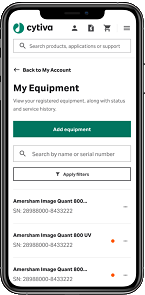
Service at your fingertips
Use any internet-connected device to view equipment service history, including work order details and status.
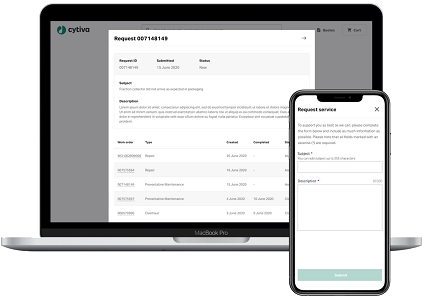
Why use My Equipment?
Get started today
- Log in or register for an account at cytiva.com.
- Click the My Equipment button on your account home page.
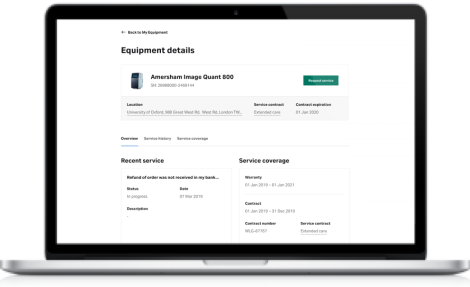
Need customer verification or other help? Contact our customer care team.
Where is My Equipment available?
My Equipment is currently available to customers in the United States, Canada, Europe, and India. You’ll need to be a registered customer of Cytiva and have purchased equipment from us.
What devices can I use to access My Equipment?
My Equipment is available on any internet-enabled desktop or mobile and is compatible with all major browsers.
I’ve registered. Why don’t I see any equipment on the home page?
Make sure you’ve completed the verification process. Click the ‘Request verification’ button on the My Equipment home page, and a member of our team will be in touch. Or contact our customer service team.
What should I do if some of my equipment is missing from the home page?
Reach out to our customer service team, and we’ll be happy to help.